Lesson 1 · 7 min
How to Hold Your Phone or Camera
A steady grip is the cheapest upgrade in photography. Learn the two-hand grip, why elbows go in, and when to turn the phone.
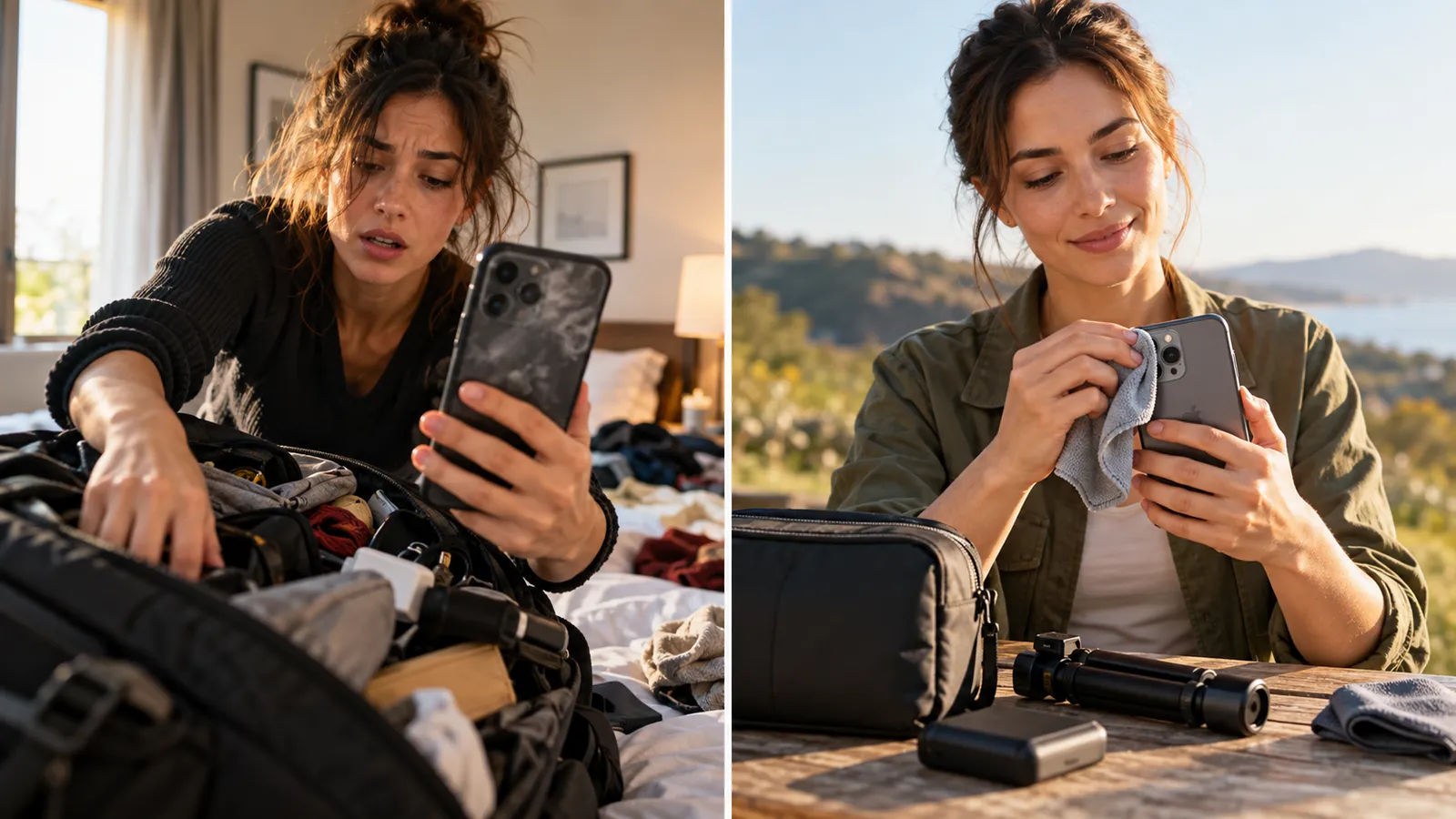
In this lesson: the grip, stance and orientation that keep every frame sharp. Why it matters on an HNC shoot: you have about an hour, and the moment you want (a laugh, a hug, a first look) happens once. A blurry frame cannot be rescued in editing, so a shaky hand is a lost photo and a disappointed client.
Why shaky hands ruin good shots
Every photo is a short exposure: the sensor collects light for a fraction of a second. In bright sun that fraction is tiny, around 1/1000 of a second, and a little movement does not show. In shade, indoors, or at sunset the phone needs more light, so it holds the shutter open much longer, 1/30 of a second or more. During that time any movement smears the picture: faces go soft and edges look doubled.
Your pulse, your breathing and a loose one-handed grip all move the phone more than you would think. The camera cannot tell the difference between "the subject is moving" and "I am moving", so it records both. No editing tool can bring back detail the sensor never recorded. That is why this is the first lesson: everything else in the course depends on it.
The two-hand grip
- Use both hands. Cradle the phone in your left palm with your fingers around the side, and use your right hand to steady the top and press the shutter. Keep your fingertips off the lens. A finger over the corner of the lens is the most common reason a photo looks smudged or has a pink blur in the corner.
- Tuck your elbows in. Press your elbows lightly against your ribs. Your body then holds the phone up for you, instead of your arms holding it out in the air.
- Stand steady. Feet about shoulder-width apart, one foot slightly forward, knees soft. If you can, lean against a wall, a doorframe or a tree for extra support.
- Breathe out, then press. Let out a gentle breath and press as you finish exhaling, at the quiet point before the next breath. Press with a smooth roll of your thumb or finger, never a jab. A volume button can feel steadier than the screen button.
- Take three, not one. For a quick moment, take a short burst of two or three frames. One of them is almost always sharper than the others.
On a camera (DSLR or mirrorless) the idea is the same: left hand under the lens, right hand on the grip, elbows in, and the camera pressed lightly to your face when you use the viewfinder. That gives you a third point of contact. Always wear the strap.
Portrait or landscape?
Decide the orientation before you press the button, because you cannot change it later without throwing pixels away.
| Hold the phone | Use it for |
|---|---|
| Vertical (portrait) | One person, full-length shots, reels, stories, and anything the client will post on social media |
| Horizontal (landscape) | Groups, wide scenery, a crowd, a room, and anything that will be viewed on a TV or a computer |
For HNC reels always hold the phone vertically, and never turn it partway through a clip. If you shoot a landscape photo and crop it to a tall shape later, you lose most of the picture.
Common mistakes and how to avoid them
- Shooting one-handed while chatting. Finish the conversation, then use both hands for the photo.
- Arms stretched out. Elbows away from your body make a wobbly lever. Bring them in.
- Holding your breath, then jerking. Breathe out and press smoothly.
- Fingers over the lens. Look at where the lenses are before you hold the phone.
- Zooming in digitally with your hands. Digital zoom magnifies shake as well as the subject. Move your feet instead.
- Checking sharpness on the small screen only. After a key shot, double-tap to zoom in on the eyes and check that they are crisp.
Key takeaway
Two hands, elbows in, and a gentle press: a steady phone does more for sharpness than any setting.
Want to save your progress? Sign up as a photographer.